How to Write a BOM That Sources Cleanly the First Time
Ambiguous BOM lines cause most component delays. Use full part numbers, list approved alternates, check lifecycle status and follow a simple column template.
Microplacer team · 15 November 2026 · 5 min read
 Components
Most component delays do not start at the distributor. They start in the BOM, with a line that says "100nF cap" or a part number copied from an old project. Spend twenty minutes structuring your bill of materials properly and the parts can be found by part number, priced in one pass and checked without a long thread of questions.
What makes a BOM line ambiguous
A BOM line is ambiguous when two people could read it and buy two different parts. The usual suspects:
- A value with no package — "10k" could be 0402, 0603, 0805 or a through-hole resistor.
- A capacitor with no voltage rating or dielectric — a 10 µF X5R part at 6.3 V is not the same as a 10 µF X7R part at 25 V.
- A part number with the ending trimmed off — those last few characters can decide reel or tray, industrial or commercial grade, even lead-free or not.
- A quantity that does not match the number of reference designators on the same line.
- Parts that are in the pick-and-place file but missing from the BOM, or the other way round.
Each of these turns into a question from the person buying the parts, and every round of questions costs time. Worse, if nobody asks, the wrong part can reach the assembly line.
Manufacturer part numbers vs generic descriptions
A generic description tells the buyer what kind of part you need. A full manufacturer part number (MPN) tells them exactly which part you need. The MPN wins every time: one string settles every detail the buyer would otherwise have to guess, and it can be typed straight into a search box.
That does not mean descriptions are useless. Keep a short description next to the MPN (for example "10 µF, 25 V, X7R, 0805"). It lets a reviewer spot an obvious mistake — say, an MPN that turns out to be a 0402 part when your footprint is 0805 — without opening a datasheet.
Listing approved alternates up front
If a part is out of stock and you have not listed an alternate, the build waits while someone asks you what to use instead. If you have listed one, sourcing simply moves on. Alternates are easiest for generic passives and hardest for microcontrollers, FPGAs and RF parts, which are usually single source.
- 1Flag every line that has exactly one acceptable part. Those are the lines most likely to stall a build.
- 2Everywhere else, name one or two backup MPNs — but only after you have opened their datasheets and confirmed pin-out, ratings and package fit your board.
- 3For plain resistors and capacitors, a short rule is enough, for example "any maker, 10k, 1%, 0603, 0.1 W".
- 4Lock down the parts you cannot afford to swap — voltage references, RF front ends, anything tied to safety — with a clear "No substitute".
Small transistors and MOSFETs deserve extra care: two parts in the same package can still have different pin-outs, so always check the datasheet pin table before approving one.
Checking lifecycle status before you freeze the design
Manufacturers publish a lifecycle status for each part, and it can change while you are still designing, so look again just before you freeze the board.
| Status | What to do |
|---|---|
| Active | Safe choice for a new board. |
| NRND (not recommended for new designs) | Swap it out now if the design is still open; if the product already ships, begin the hunt for a successor. |
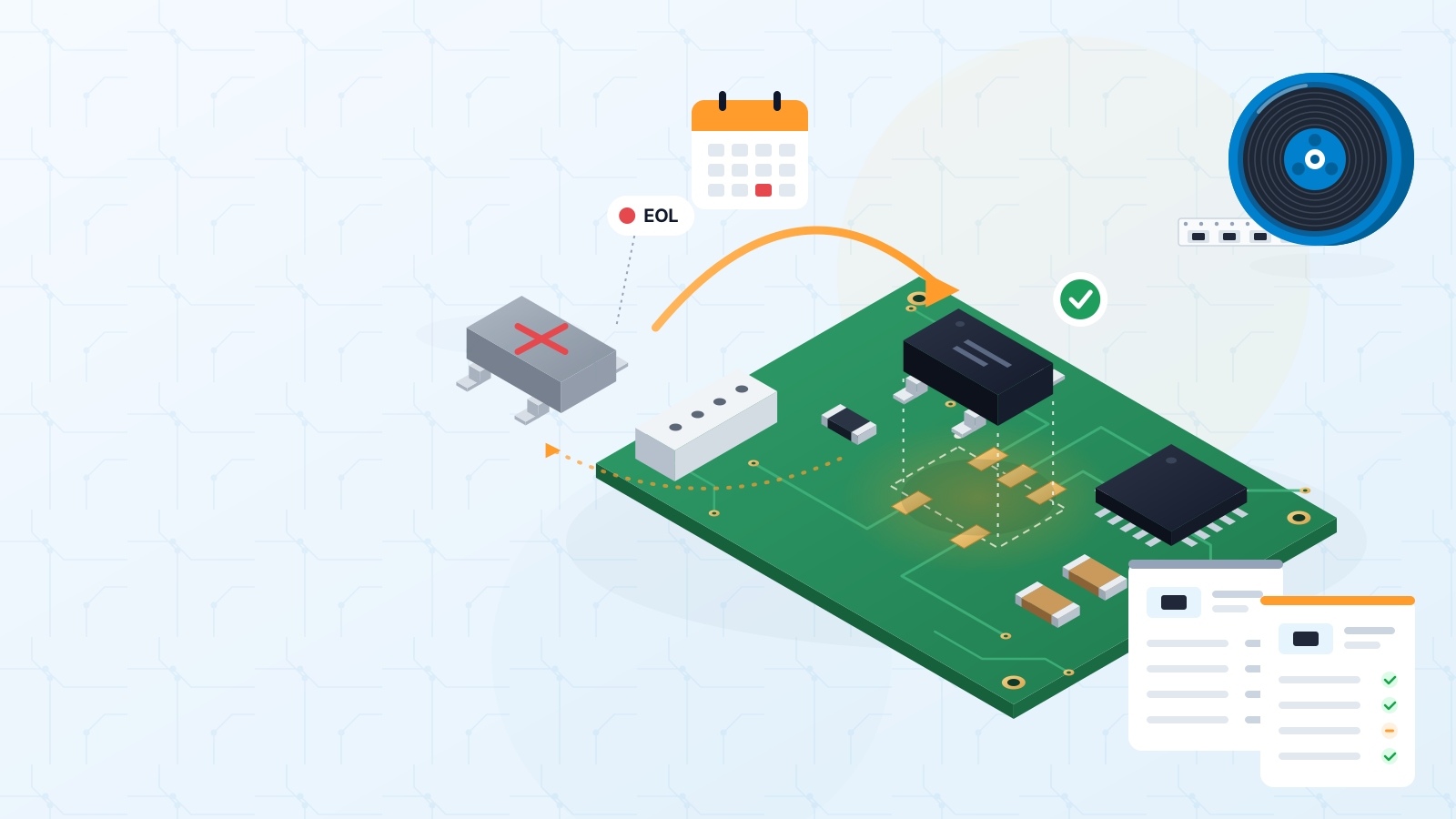
| EOL / last-time buy announced | Note the final order date, then either stock enough for the rest of the product’s run or plan a board revision. |
| Obsolete | Production has stopped. Pick a replacement or redesign — leftover stock tends to be thin, pricey and of uncertain origin. |
Chasing an obsolete part through unofficial sellers is risky: fakes and parts stored in poor conditions are far more common there. For moisture-sensitive packages, storage history matters as much as the part number (see J-STD-033).
Using a components store: search by part number, compare, BOM upload
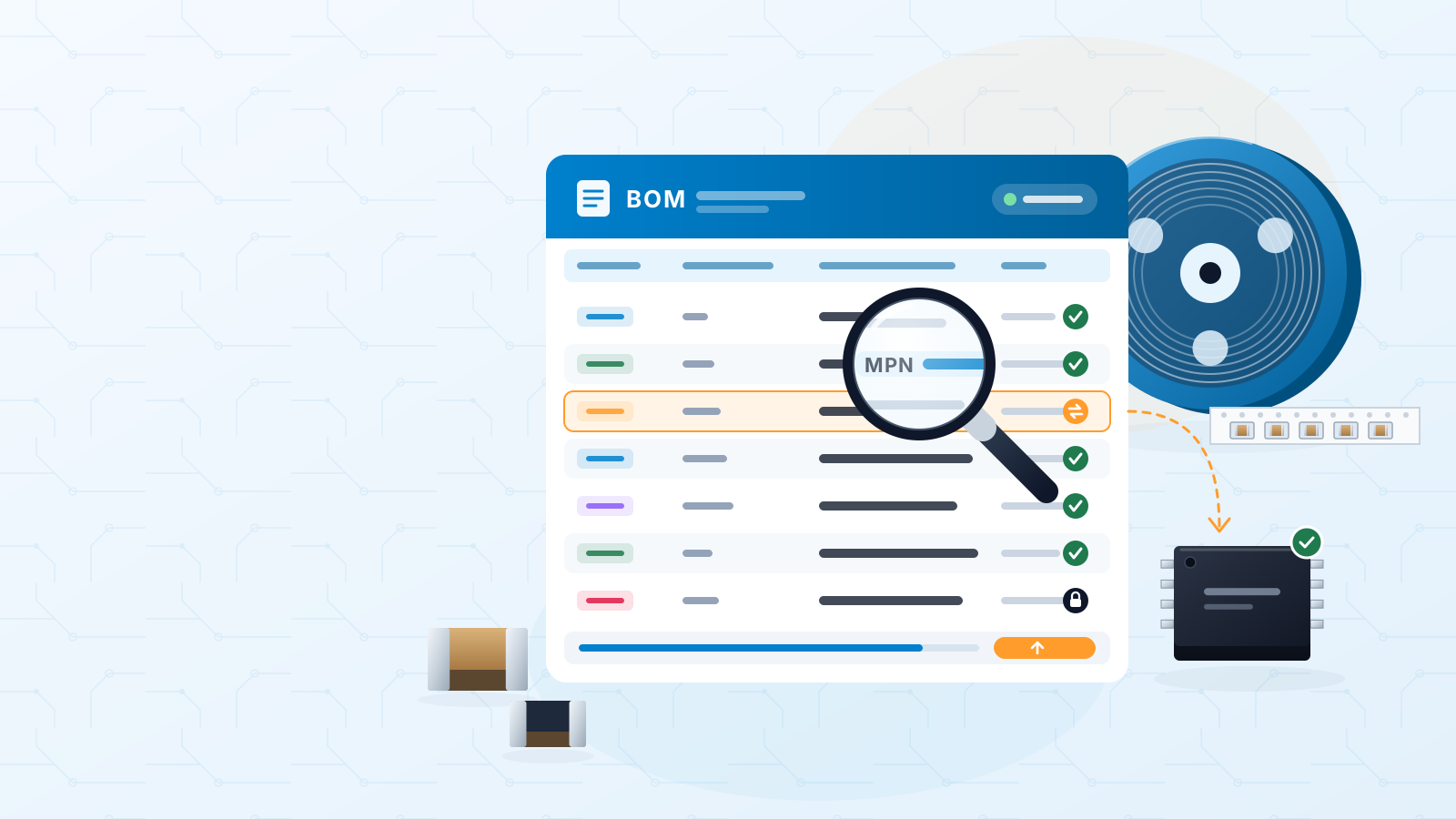
Once your BOM uses clean MPNs, a components store becomes a fast way to check it. Our store holds millions of parts that you can search by part number, with alternatives shown alongside. You can compare candidate parts side by side, or upload your whole BOM and see every line matched in one go.
Why clean MPNs make this fast
A part number search is exact; a description search is a guess. With a full MPN on every line, only the genuinely tricky parts need your attention.
Template of recommended BOM columns
Copy these columns into your spreadsheet or your CAD tool's BOM export settings:
| Column | Example | Why it helps |
|---|---|---|
| Reference designators | R1, R4, R7 | Three designators, so quantity should read 3. |
| Quantity per board | 3 | Lets the buyer multiply by the number of boards. |
| Manufacturer | Maker name | Removes doubt when an MPN is reused across makers. |
| MPN (full, with suffix) | Full orderable number | The key used to search and price the part. |
| Description | 10k, 1%, 0.1 W | Human check against the MPN. |
| Package / footprint | 0603 | Must match the land pattern on the PCB. |
| Alternate 1 / 2 (maker + MPN) | Checked equivalents | Lets sourcing continue if stock runs out. |
| Substitution rule | Any equivalent / No substitute | Makes your intent clear. |
| DNP / notes | DNP, customer-supplied | Prevents buying parts that are not fitted. |
Ready for the next step? Read our BOM alternates and obsolescence guide for the full checklist, see the design files guide for the rest of your assembly package, then visit electronic components to search parts and upload your BOM.
#bom#component-sourcing#alternates#part-numbers#obsolescence
Get an instant PCB quote